Photography can sometimes be tiresome.
There’s the taking of the photos itself.
There’s the logistics and struggle of travel.
And then there’s still the post processing of the thousands of images you took on that trip.
It’s then our photography workflow becomes extremely important, because the better and more streamlined it is, the more time we save and the less stress we have.
In fact, I’ve had to improve my photography workflow dramatically over the years as I’ve traveled more and more.
And I did so by simply asking myself the question:
“What would this look like if it were easy?”
That unlocked more doors than I knew existed.
Today, I’m going to share with you a few of my answers to this question, in the form of travel photography workflow tips that made my life easier (and will hopefully make yours).
Let’s get started.
Take Less Pictures
If there’s anything that’s made my life easier this year, it’s surprisingly been taking less photos.
And I don’t mean going out and doing photography less.
I mean lowering my shutter count whenever I go out.
Because at the end of the day, more photos means more photos to sort through, edit, and store.
And “more” photos doesn’t necessarily mean “better” photos, right?
Subconsciously, we know this, but we don’t like to hear it.
Even me, whenever I tell myself to take less photos, there’s a part of me inside that resists.
Because, it’s photography, isn’t the point to take pictures?
And why would I take less pictures when I shoot digital and want to get better - that’s one of the great benefits right?
Yes…kinda.
You see, when we give ourselves an unlimited amount of shots, it can actually work against us.
Because we can take pictures of everything, we end up taking pictures of everything, many of which we have no business taking of in the first place.
Random snapshots, poor compositions, bad exposures.
We’re less intentional and careful with our photography because we have more freedom.
And it creates a ton of work later, when we transfer those photos over and realize we have to delete or edit them.
But what if I told you that taking less pictures is actually a skill?
That learning how to do it and do it well is something you can get better at, and it’ll improve your photography in the long run?
We do this through the Constraint of Numbers: giving ourselves a set number of photos to take and not going over that, pretending as if we’re shooting film.
It’s a challenging practice at first, especially if you’re used to snapping away with no limit.
But it’ll make you better, you’ll take less crappy photos you didn’t need to take, the overall quality of your photos will improve, and there’ll be less to edit and store.
Learning how to not press the shutter is a game of trust and overcoming fear.
Trusting yourself that you do know what a good or bad shot is.
Overcoming fear in the sense that you’re not scared to miss the moment.
If you want to dive deeper into this topic, check out “Do This for 30 Days and Watch Your Photography Blossom”, I cover it in-depth there.
Otherwise, try to take less but better pictures, it’ll make your life easier.
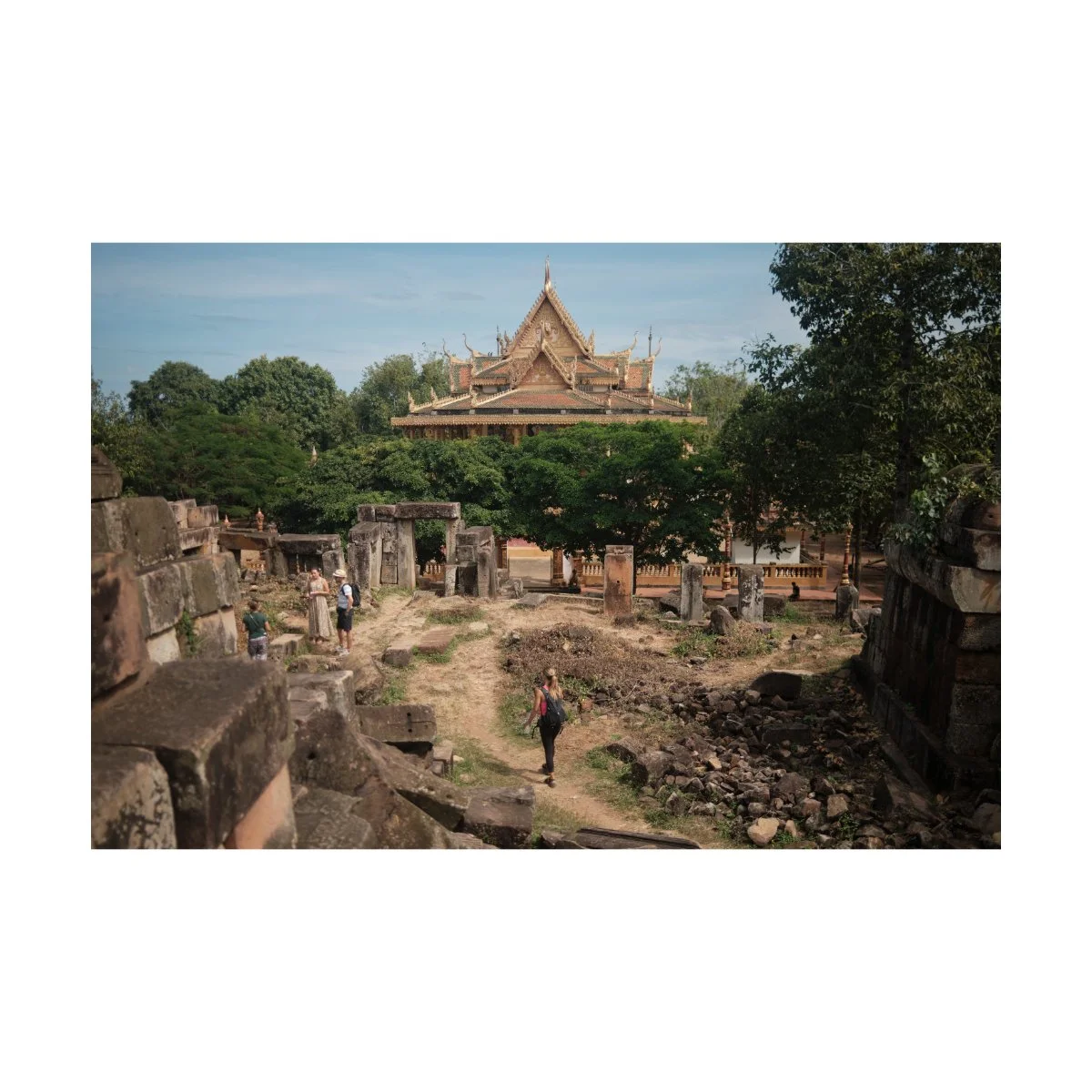
The First Look
Time and time again we hear the advice: cull your photos.
Get good at culling, increase the filter, blah blah blah.
Everyone knows culling is important.
(if you don’t know what culling is, it’s just filtering the good photos from the bad)
But how do we actually improve upon it, get better at it, and get over the pain of deleting pictures we think we might need later?
Well, first we must understand that culling is not “getting rid of photos we like”.
It’s getting rid of photos that suck or will never get used.
Which sounds obvious, but that was the big mindset shift for me.
Once I thought about culling like that, I became much more ruthless with deleting.
Because the photos I would have otherwise kept before, I got rid of.
Before, I used to think “what about this?”, “what if I need it later?”.
But many times I never needed it later.
Most trips could be characterized by the top 10-20% of my shots.
And as long as I had those, I was fine.
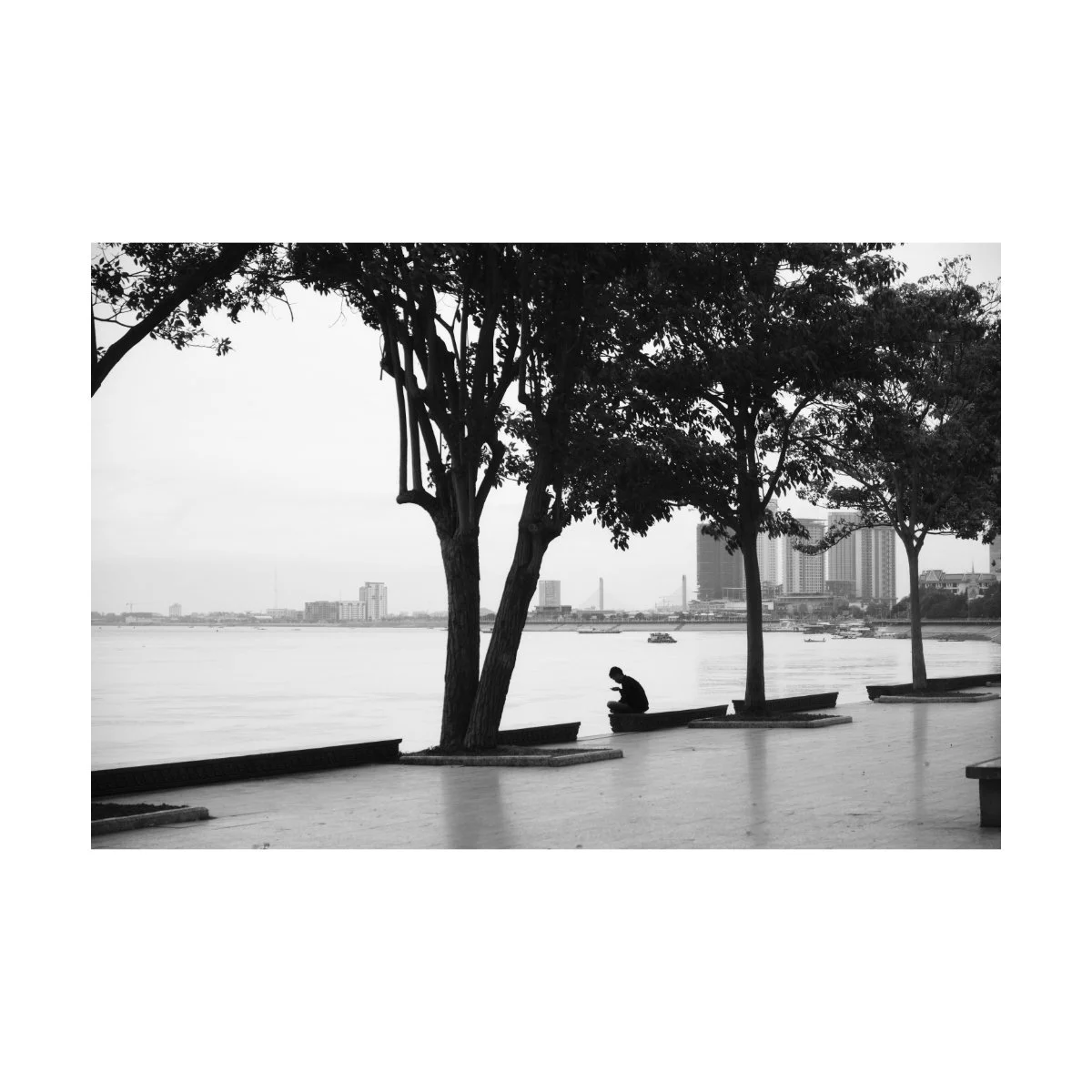
Now if you find yourself indecisive when it comes to deleting pictures, there’s something that helps me called “The First Look”.
Typically within the first second of looking at an image we know whether it’s good or bad.
And we can see whether or not the image can be altered, saved, or is worth working on.
There are a few exceptions to this, but that’s the general rule of thumb.
If that’s the case, we don’t need to spend a long time deciding.
We just need to be more honest with ourselves, trust that first gut instinct, and be okay with the unlikely chance of accidentally deleting a decent photo.
On the other hand, the photos that tend to be more problematic are the ones that are on the fence.
They’re just “okay”, or maybe require a few edits.
For those, I’ll usually try to edit them, but depending on how much effort it’ll take, I might abandon it halfway.
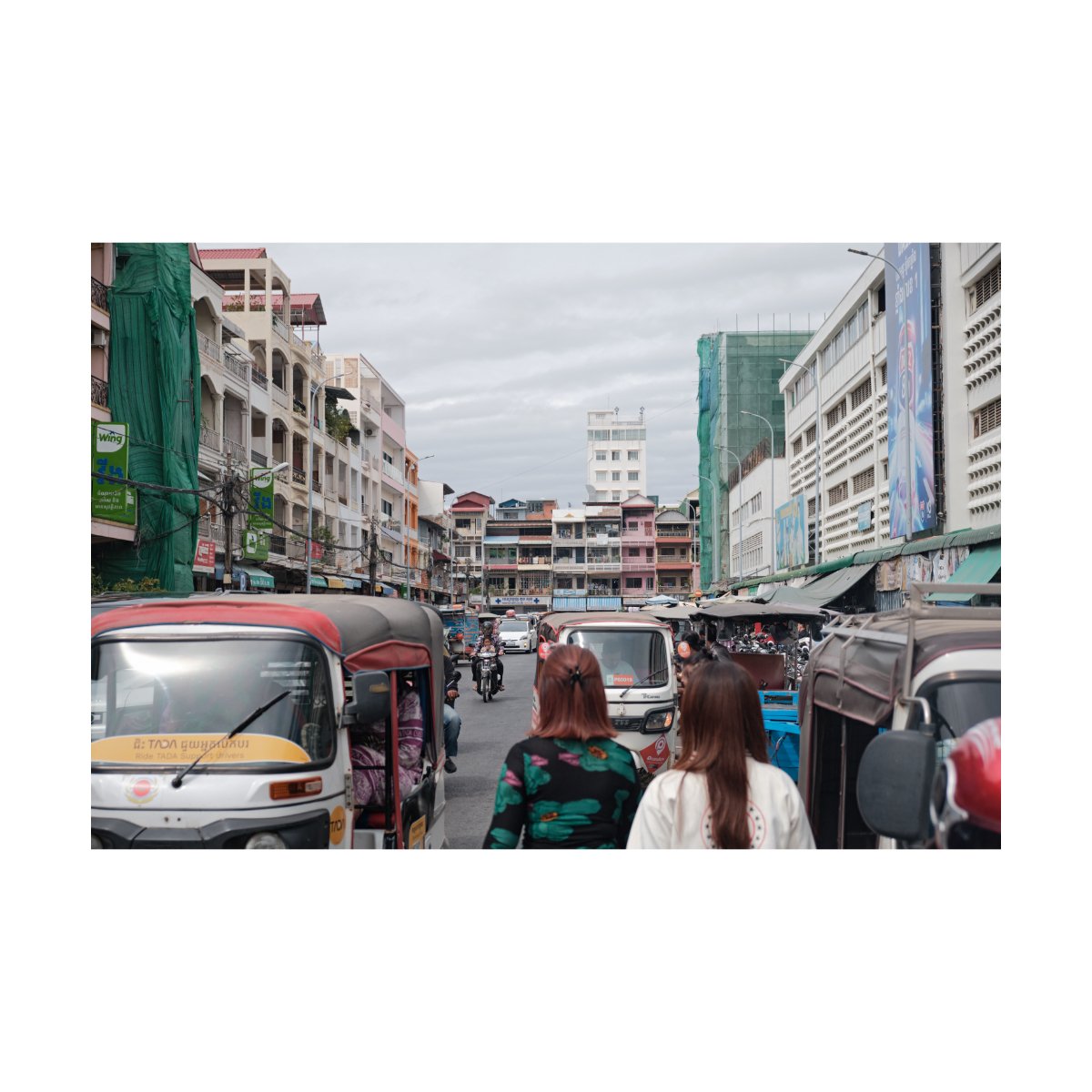
So that’s my filter.
If a photo is good, I’ll usually be able to tell on the first look.
If it’s good, I’ll keep it; if it’s bad I’ll delete it.
If it’s taking me longer than five seconds, it’s probably “mid” or not good, and I’ll most likely delete it.
Understanding that has made my filtering process so much easier.
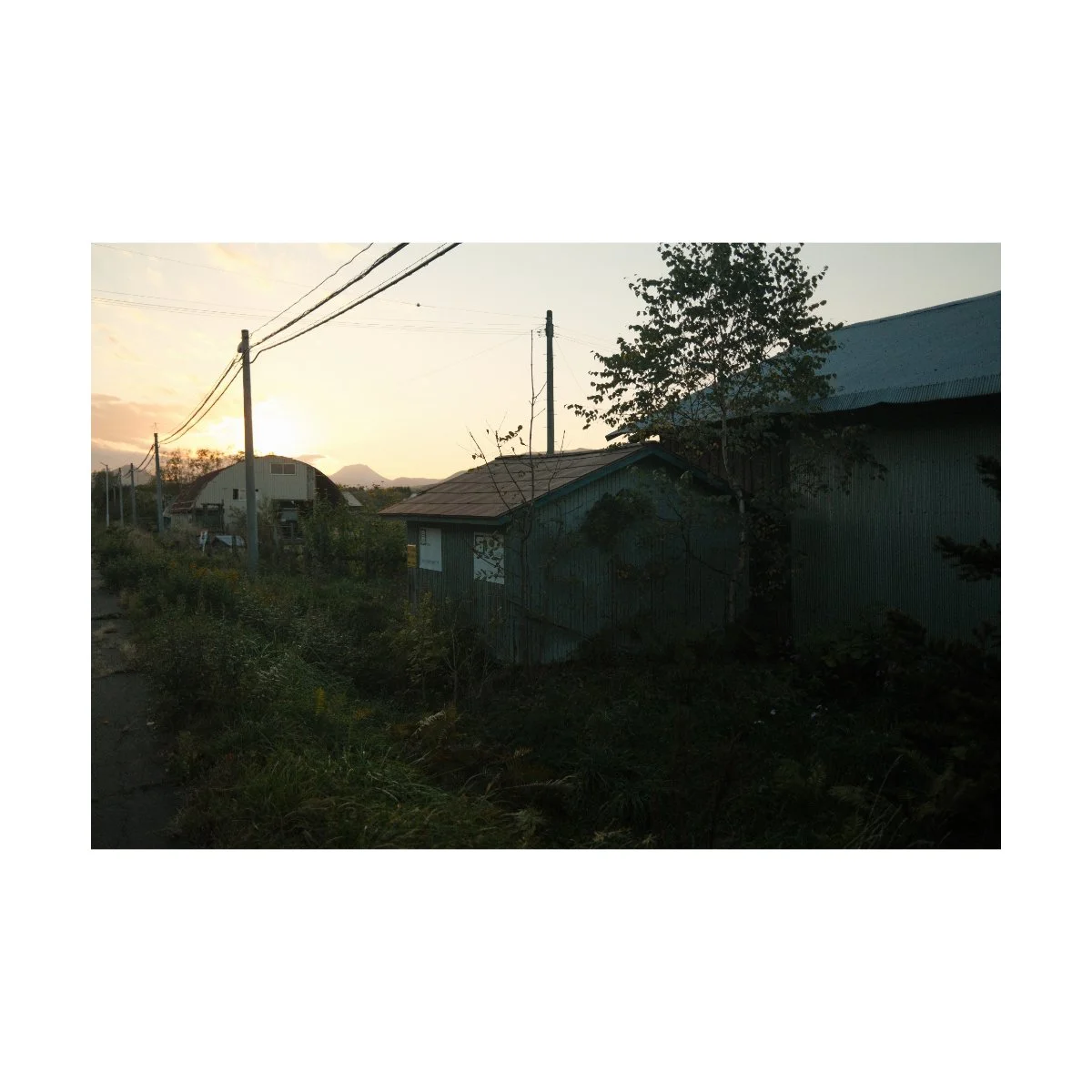
Copy and Adjust
One of the many problems I’ve run into with photo editing is individualization.
Every photo you take is different, whether it’s the lighting, the colors, or the content.
That being the case, one photo edit isn’t always going to work for every photo.
This…used to drive me insane.
Because it resulted in me editing every single photo for the sake of individualization, instead of copying and pasting edits, which slowed my workflow down dramatically.
Admittedly, it did make me better, getting me the photo editing reps I needed to improve.
But it costed me a lot of time and attention, because I was doing more work than I needed to.
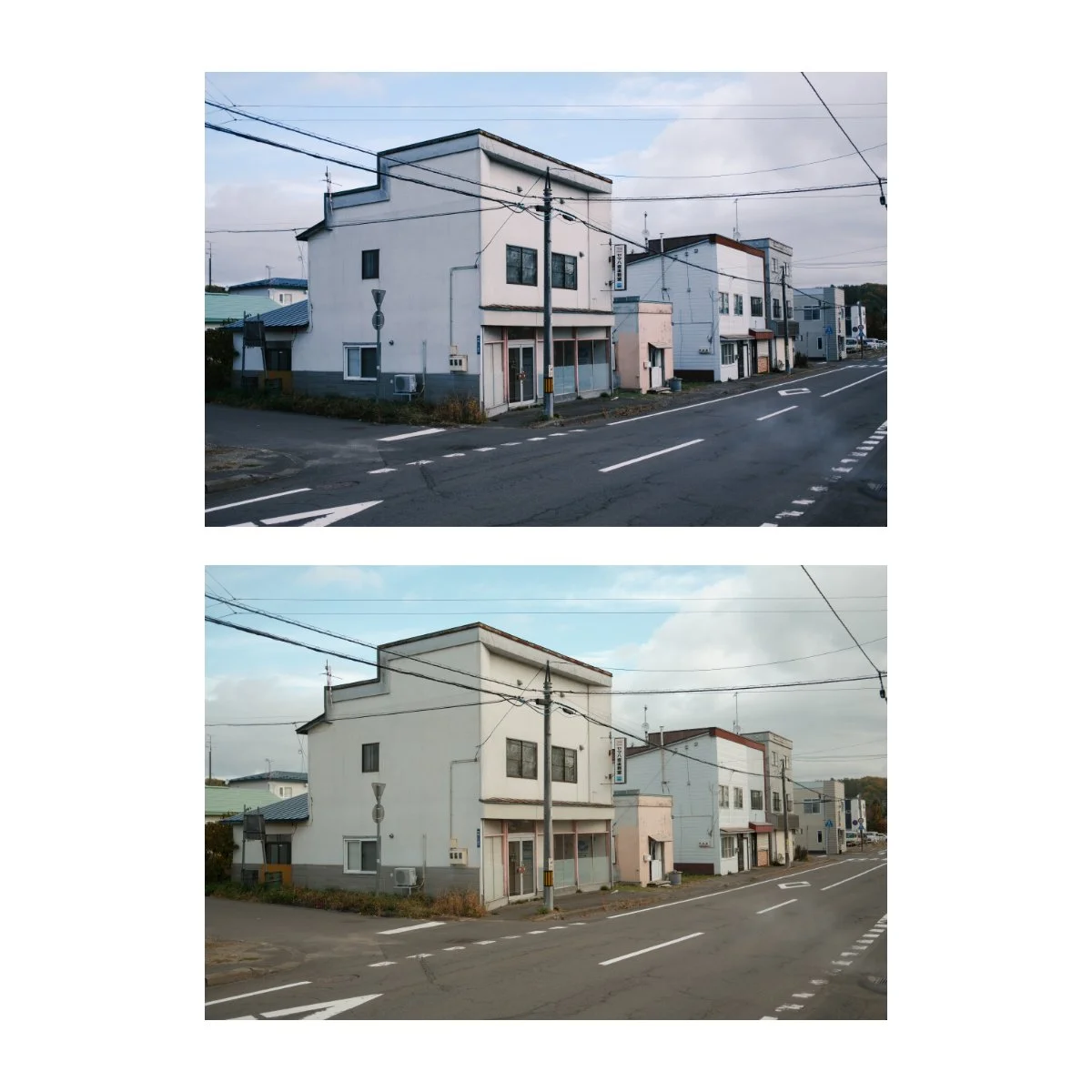
The big change happened for me when I finally learned how to adjust or tweak edits.
By making multiple edits of a single image, studying what made certain looks work/not work, and trying to match edits with different pictures, I gained confidence in the tools I was using.
This made me more comfortable copying and pasting adjustments from one image to another.
Because if I knew how to confidently adjust edits that looked off, I could just use them as the base, and not the final product.
Which gave me the flexibility of making each photo individualized, while saving me the time of starting an edit from scratch.
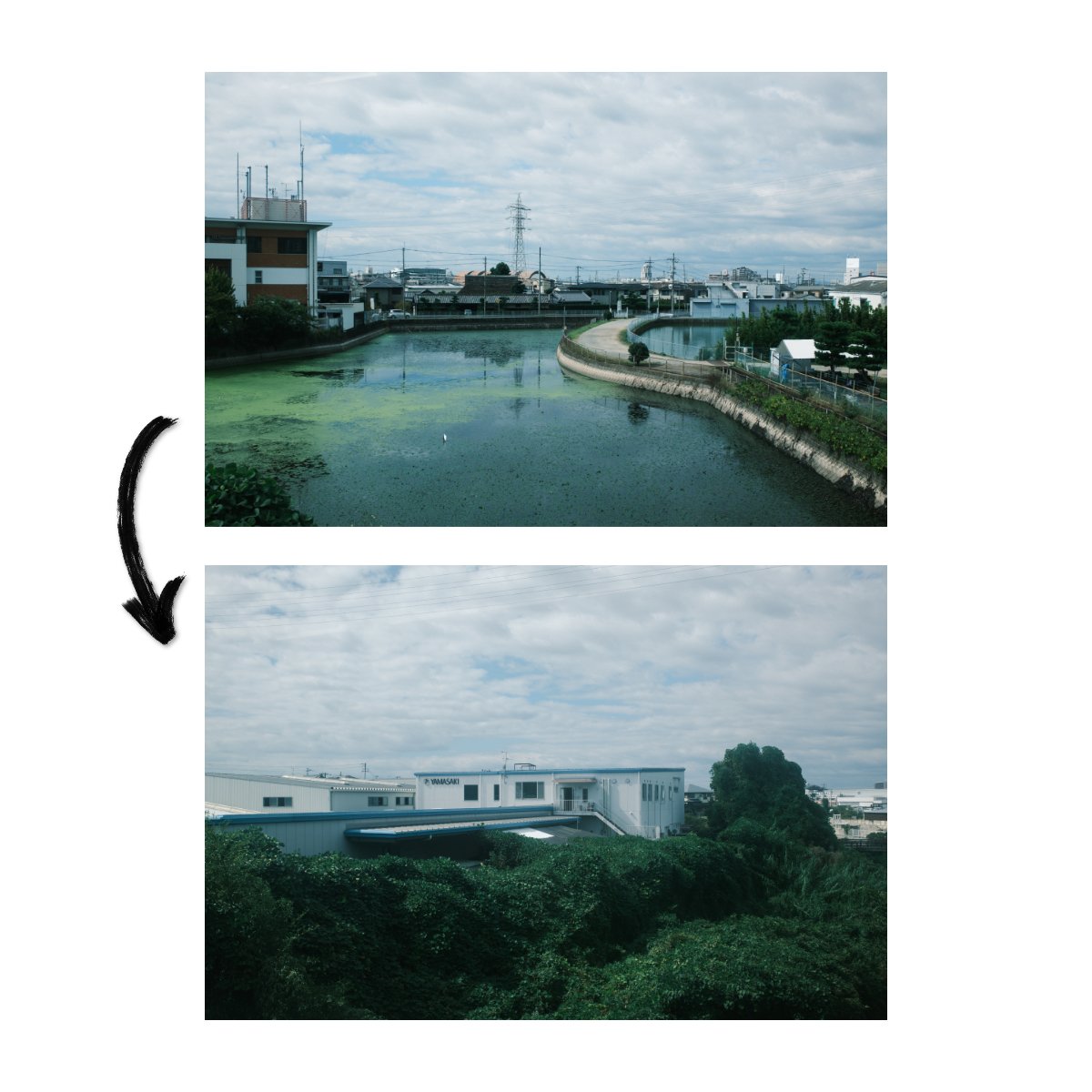
So I learned to think of it as “copy and adjust”, rather than “copy and paste” - and that worked wonders for me.
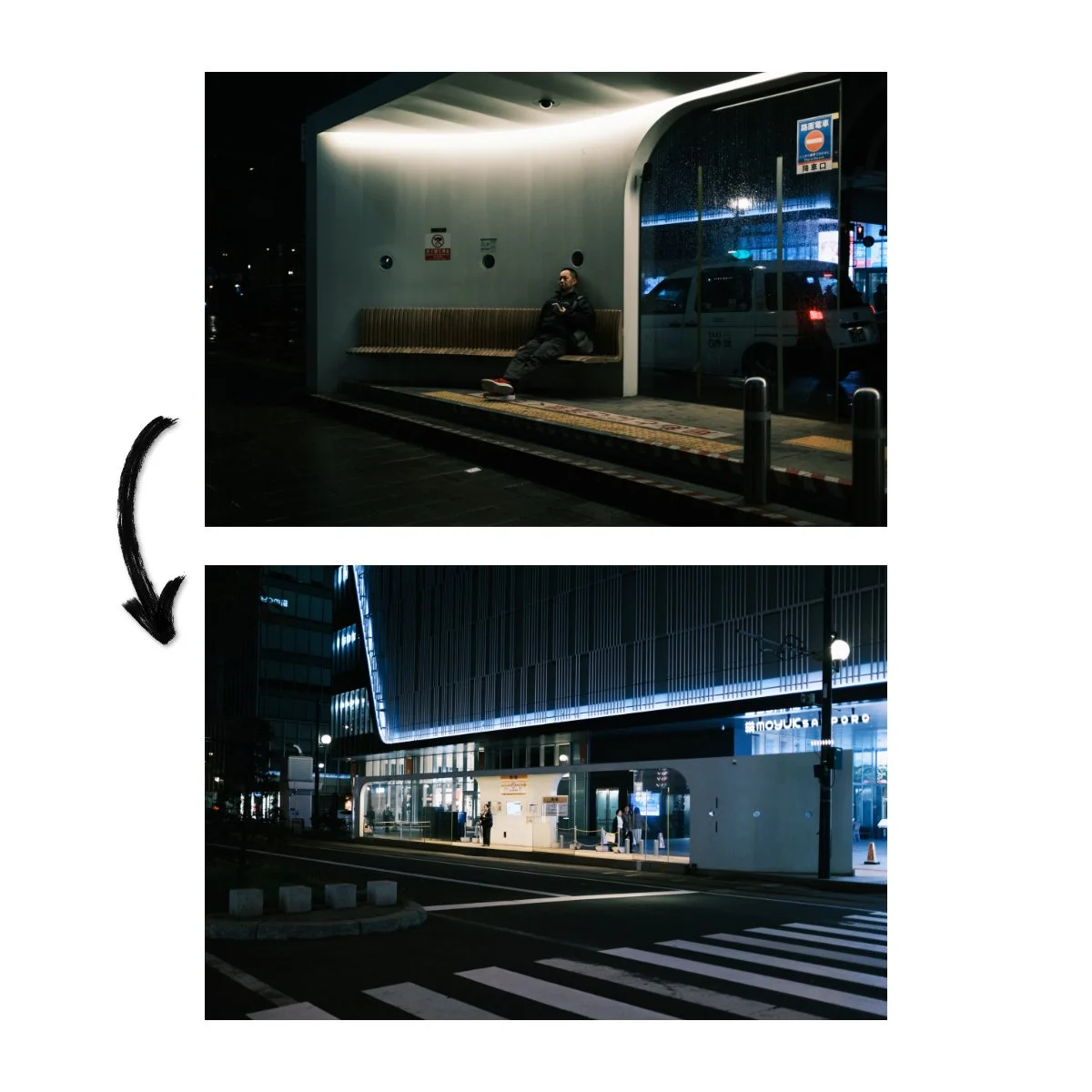
If you also have this problem, my recommendation is to:
Start your editing session with a few really good photos
When the photo is good, I find that I’m more motivated to edit it, and the results are often better with a better photo.
Copy your best edits
When you have a really good edit, use and abuse it.
Apply it to other photos that are in the same conditions as the original, and adjust accordingly.
Individualize after
Every photo will be different, but you can always tweak the sliders to make it right after.
It’s a different process, but if you know how to edit, you should know how to adjust.
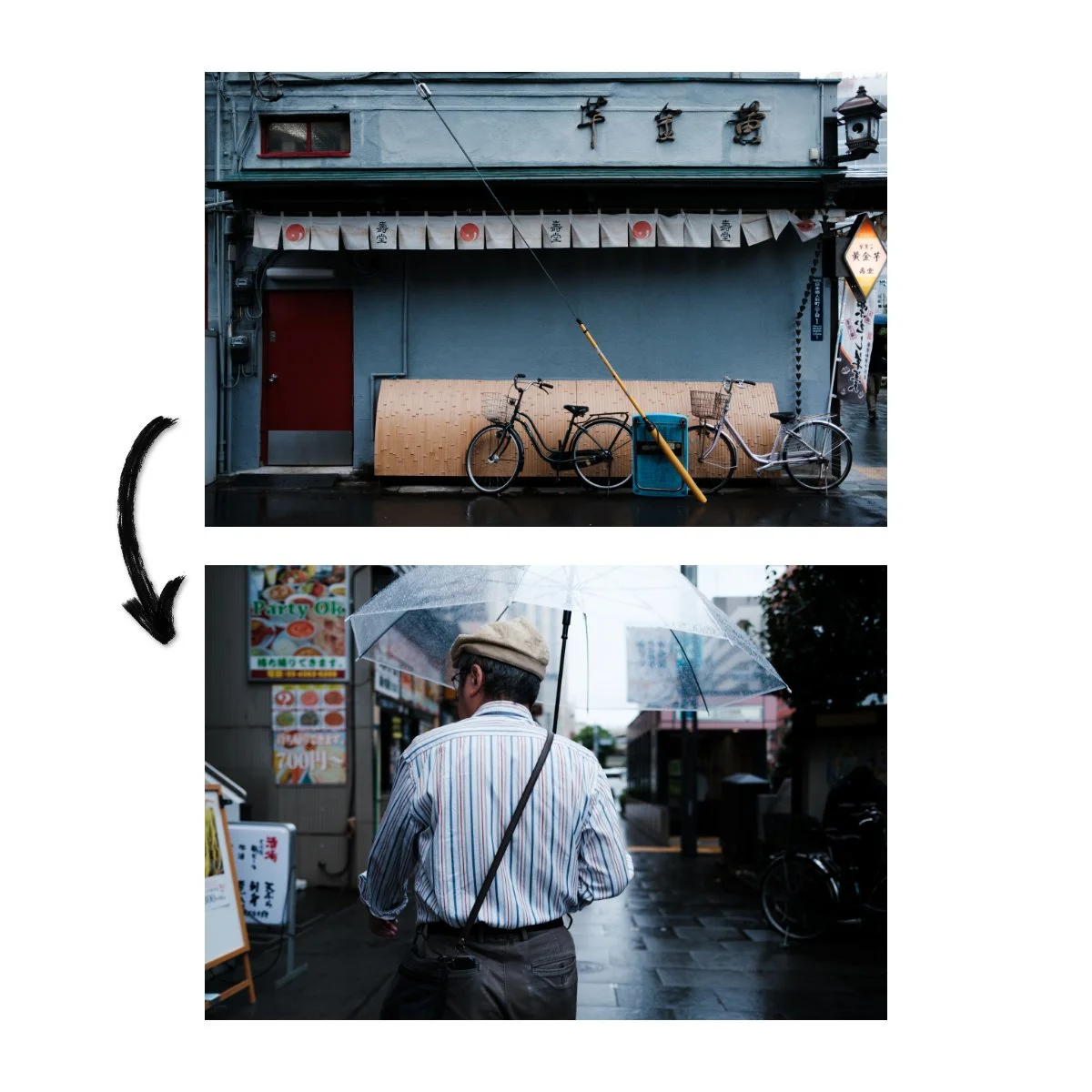
This way, we save ourselves the time of having to start from scratch, but we still get the benefit of individualizing our edits.
Furthermore, if you get really good at copying and adjusting, you technically only need to do a few good edits per trip.
Everything else is just slight adjustments here and there based on the image.
It’s then, editing an entire folder becomes much more manageable, efficient, and still quality.
So, if you want to improve your travel photography workflow today and make your life easier, do these three things.
First, take less pictures through the Constraint of Numbers.
It’ll force you to improve the quality of your shots as well as save you time and storage space later.
Second, get really good at “The First Look”.
Within the first glance you should know if an image is worth keeping or not.
From there, it’s just trusting that gut instinct and deleting or keeping as you see fit.
Third, copy and adjust.
That way you can reuse your good edits, while editing and adjusting for more individualization if needed.
So I hope you enjoyed this, if you have a friend who’s struggling with their workflow, link them this article - I think it’ll help.
If you have any workflow tips of your own that have really helped you out, share them in the YouTube comment section.
If you want to learn more about the basics of photo editing as well as build a solid foundation, check out Photography Essentials - it’s free.
If you want to learn more about the productivity aspect, understand and build systems that help you improve without a lot of motivation or effort, check out Photography Systems.
Thanks for reading, happy shooting.