How Fujifilm JPEGs Made My Photography Workflow Hyper Effective
In the past I’ve gone back and forth many times with my photography workflow.
One time I even used to think JPEGs were useless.
I enjoyed playing with different Fujifilm recipes, trying new looks, etc, but would often just end up editing the RAWs anyways.
So it felt like I was accumulating a bunch of files that I would never use, for no reason.
But fast forward to now, I’ve seen and know how to use them better.
So I’m back to using Fujifilm JPEGs as part of my workflow as a way to speed things up.
Today I’ll share with you this workflow, why I like it, and why it works for street and travel photography.
Let’s begin.
The Point of a Workflow
When we think “photography workflow” we often imagine someone on their laptop editing away being super efficient.
We think a good workflow means speed and efficiency, but we never stop to consider the purpose of this workflow to begin with.
You see, every photographer takes photos for different reasons.
And as a photographer, it’s important to have an end goal in mind.
This end goal will completely change your workflow, because some things that may work for that guy, won’t work for you.
So let’s start with this.
What is an end goal?
An end goal is simply what you plan to do with all the photos you’re taking.
Do you plan to just share them with your friends or on social media?
Do you plan to store them on your hard drive and never look at them again until you stumble upon them 30 years later?
Or do you see photography as not only a creative hobby, but a creative pursuit?
Something you want to get better at, improve, tell a story, and even make a book with?
Whether it’s documentation of your own life, just for fun, or a serious pursuit of an artistic nature, what you plan to do with your photos will and should change your workflow.
For example, over the years I’ve learned just what kind of photographer I am.
I’m not a wedding photographer nor am I the most interested in portraits.
Instead, I prefer to capture whatever it is I’m captured by.
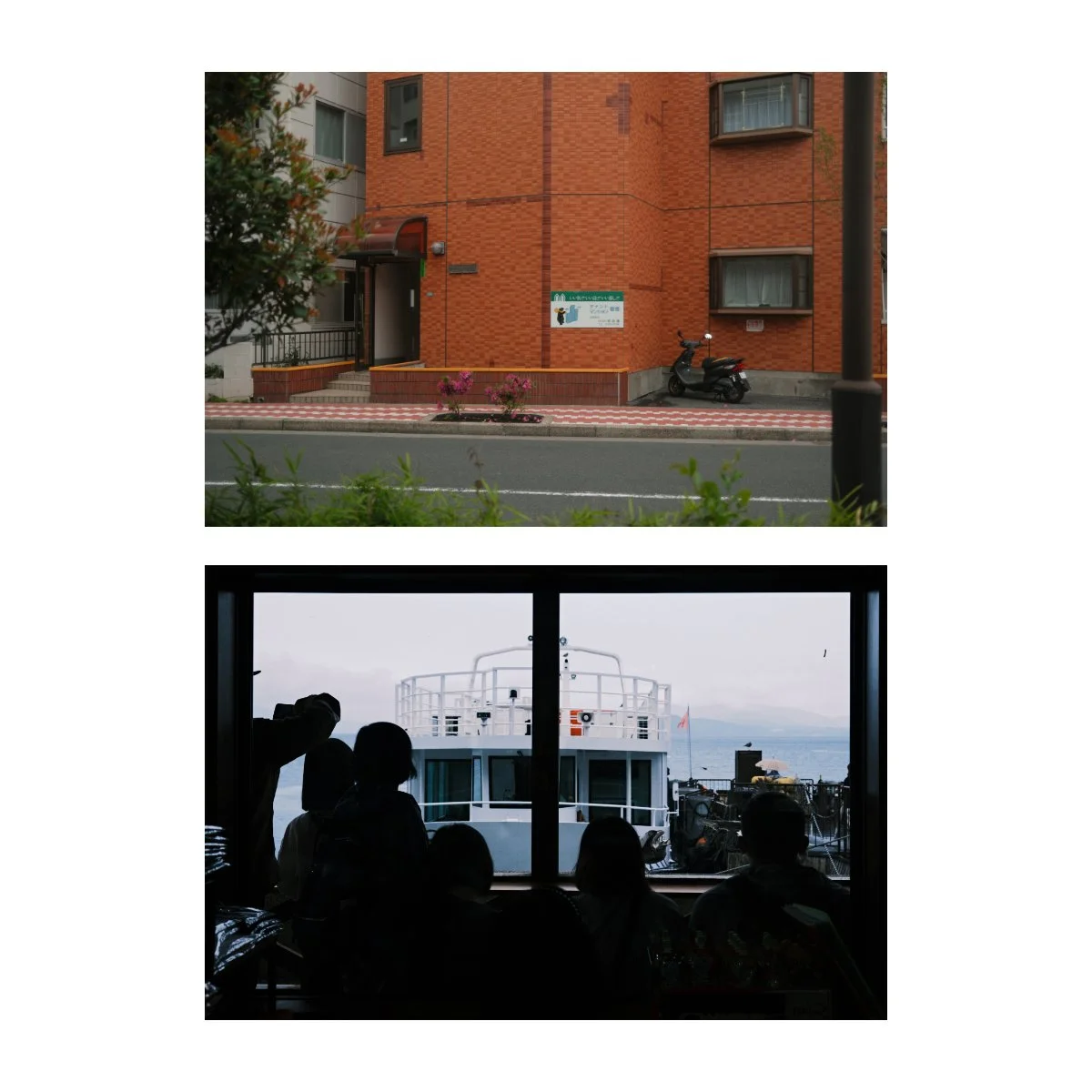
Which usually ends up being beautiful scenery (from ordinary slice of life moments or even bigger landscape spectacles), candid moments (people in different places, faces and expressions), and moments from my own life of friends and family I know.
Which, in a nutshell, becomes travel, street, and everyday photography.
Photography is both a creative pursuit and a means to document my own life.
Something I want to get better at, make books with, share photos, and be able to look back on as memories.
Because of this, I need a workflow that not only:
allows me to get better at the craft
easy to sort through, edit, and share
doesn’t take up too much space on my hard drives
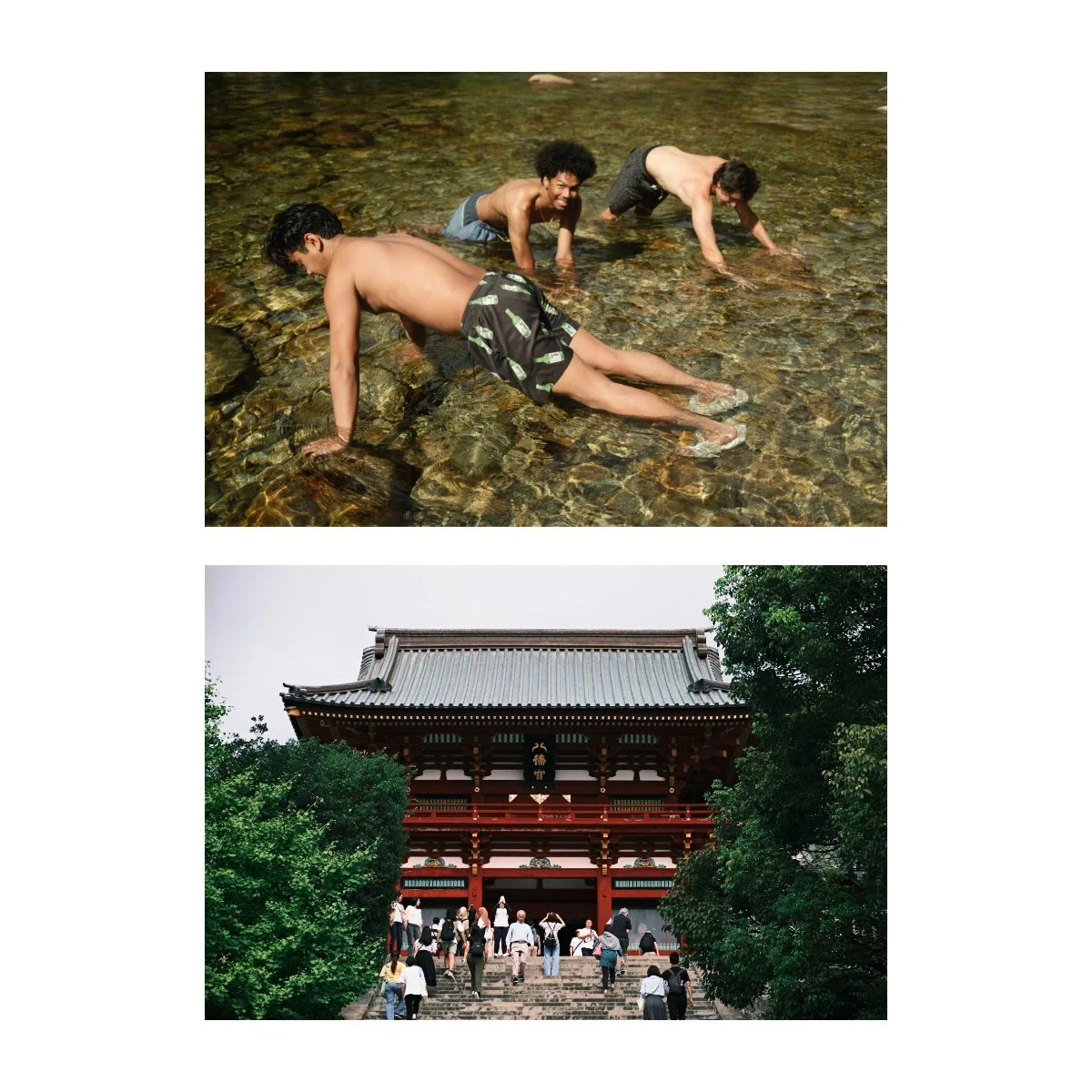
I have to be able to take a ton a pictures, but not keep a ton of pictures (because many of them will suck).
I have to be able edit to get the look I want, but not every single photo and not all the time because it’ll take too long.
And it should allow me to get better at the craft as well as build books, zines, and prints.
A good photography workflow isn’t based on speed and efficiency.
It’s based on your end goal, what you want to do with your photos, and how best to achieve that.
Your workflow should get you there better and faster.
Reintroducing JPEGs
One of the big questions I asked myself this year, that changed entirely how I saw JPEGs, was:
What would this look like if it were easy?
If the editing, the processing, the accumulating was streamlined, fast, simplified, and still worked, what would that look like?
Answering that question made picking a new workflow simple.
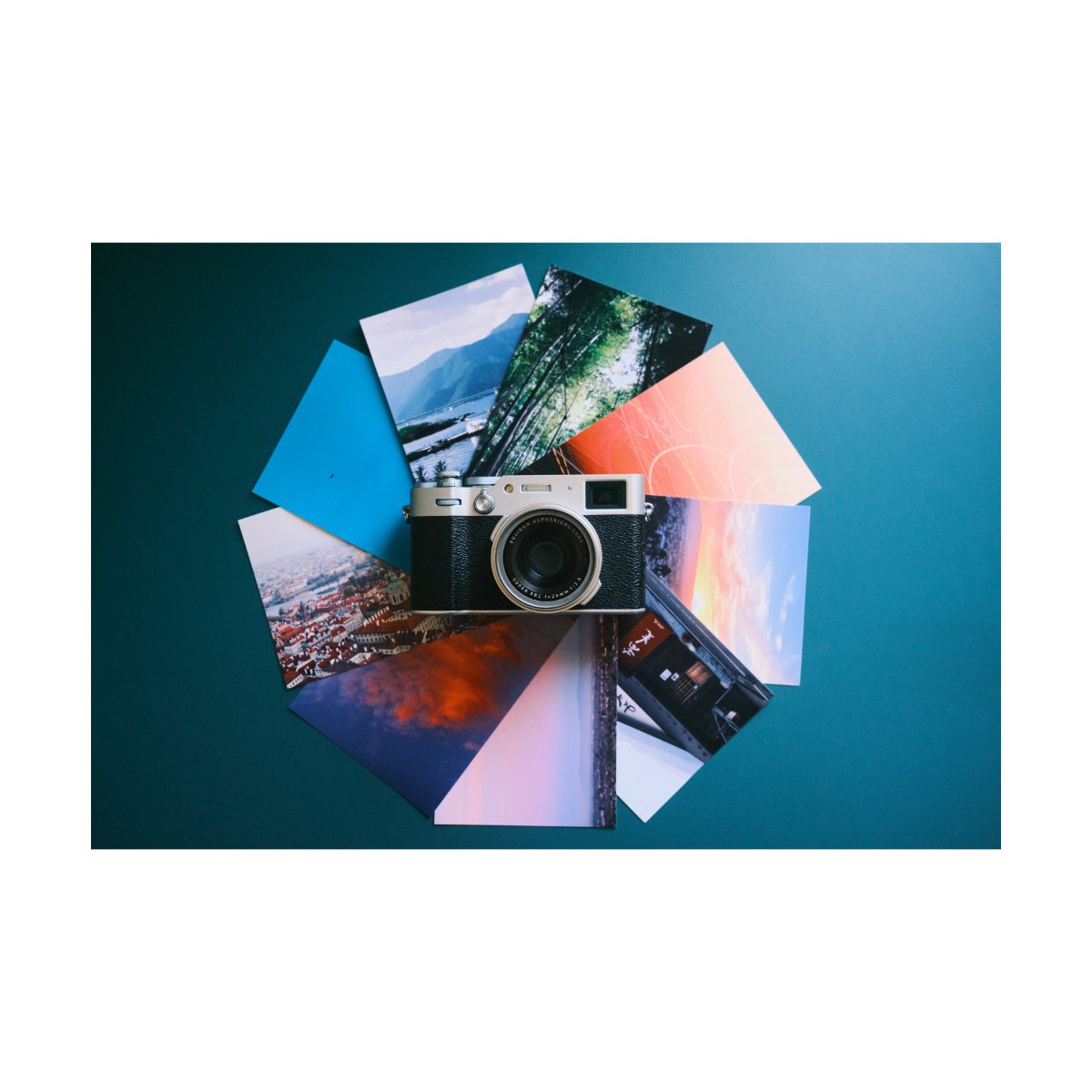
Because for my wants and needs, it meant I needed to use JPEGs again, and a really good recipe to go with it.
Because a solid recipe meant I wouldn’t need to edit very much.
If every image came out looking near or exactly how I wanted it to, SOOC, that would save me so much time.
And then I could just go through folders, deleting all the bad photos, exporting all the good ones, and making small tweaks or full on edits if necessary.
JPEGs also take up less space and they’re easy to share and move around.
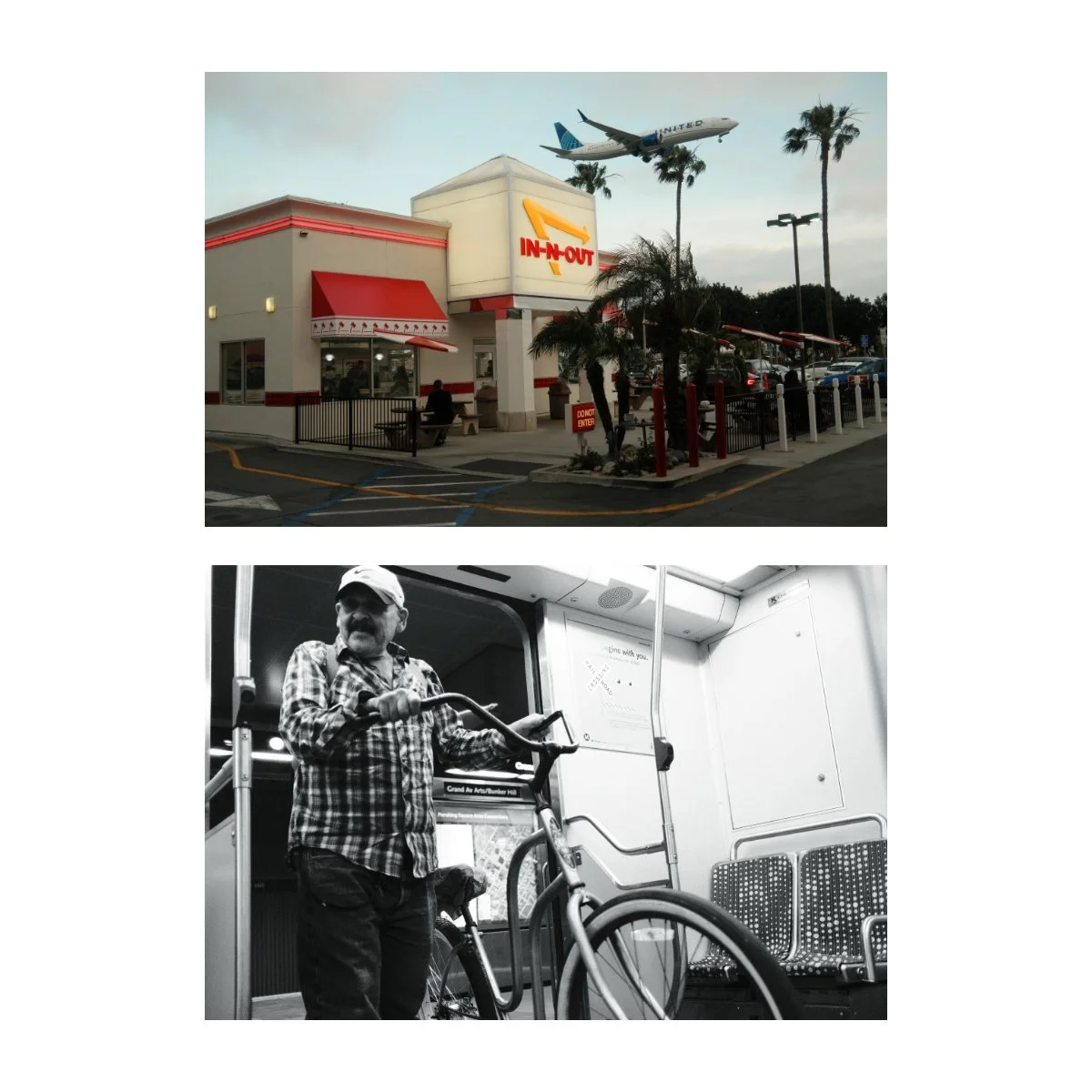
For me, this took a long time to figure out because contrary to popular belief, not every Fujifilm recipe looks good - and certainly not all of the time.
So it was difficult to find a “set it and forget it recipe”, and in reality it meant doing a little of both JPEG and RAW editing.
Similarly, I used to think it was good practice to edit every single photo (because it was).
You get to learn from your mistakes, you learn to fix bad shots, and you get a lot of reps in.
But naturally, my current needs have shifted from skill building to time saving, so these changes reflect that (more on this in a bit).
For B&W, “Newspaper” has been my main recipe for years, and recently “Reggie’s Portra” has been a game changer for color.
I made a full article with all of my thoughts on Reggie’s Portra here.
But essentially, adapting to Reggie’s Portra and Reggie’s Adjusted (my custom version of it) really improved my workflow.
Because unlike before, I could actually use these JPEGs, both straight out of camera and edited.
The look is great, it makes my life easier, and editing is much much quicker.
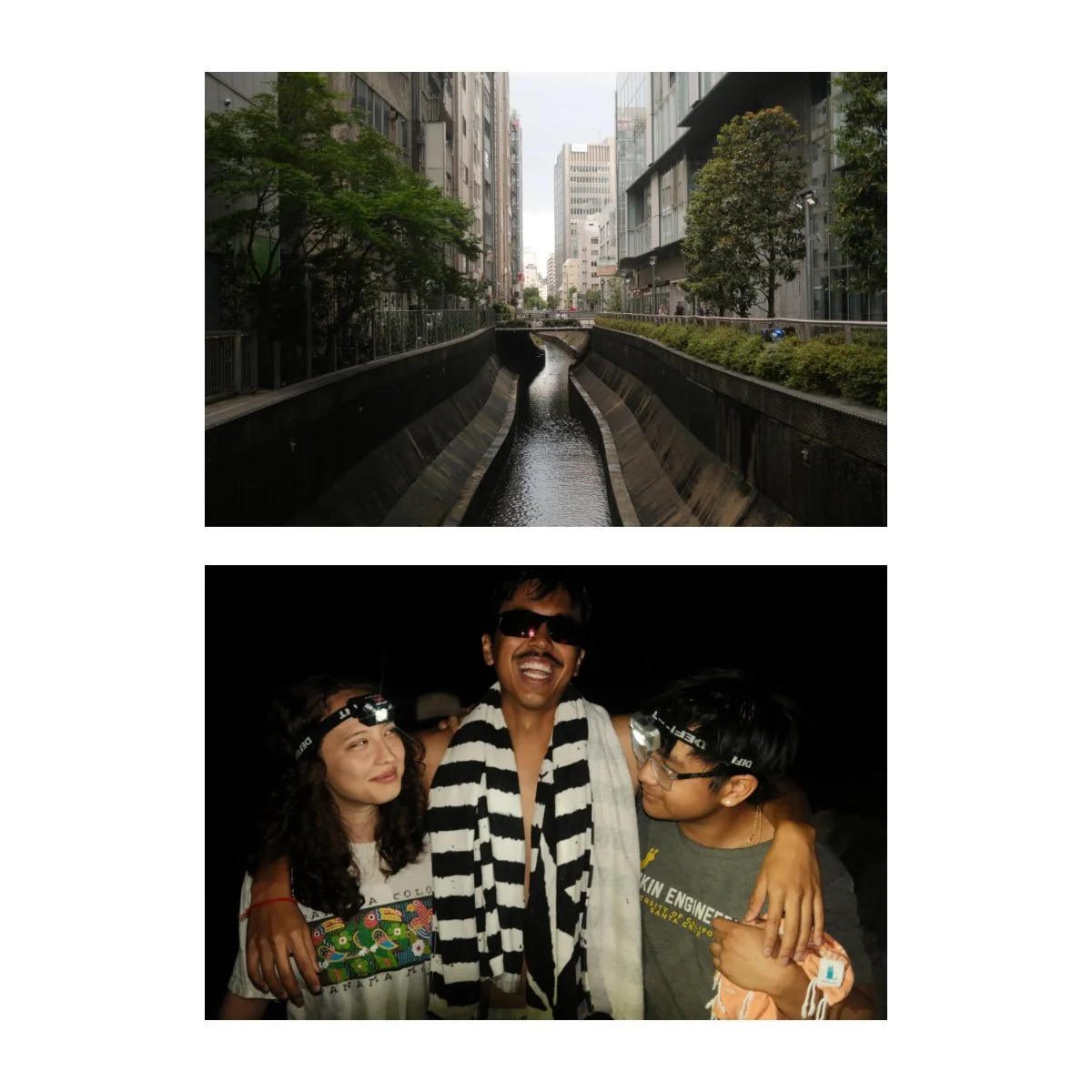
In fact I’ve been going through much of my archive at an expedited rate, completing trips and moving on to new folders faster and faster.
Sometimes I’ll tweak and edit the look a bit or edit the original RAW if I want to, but most “basic” photos will get the standard treatment.
It’s not always the best look for the best situation, but it works 80% of the time, and that speeds up my workflow like crazy.
So if you can find a way to integrate JPEGs through a good recipe, you can save yourself the hassle of editing photos you don’t need to.
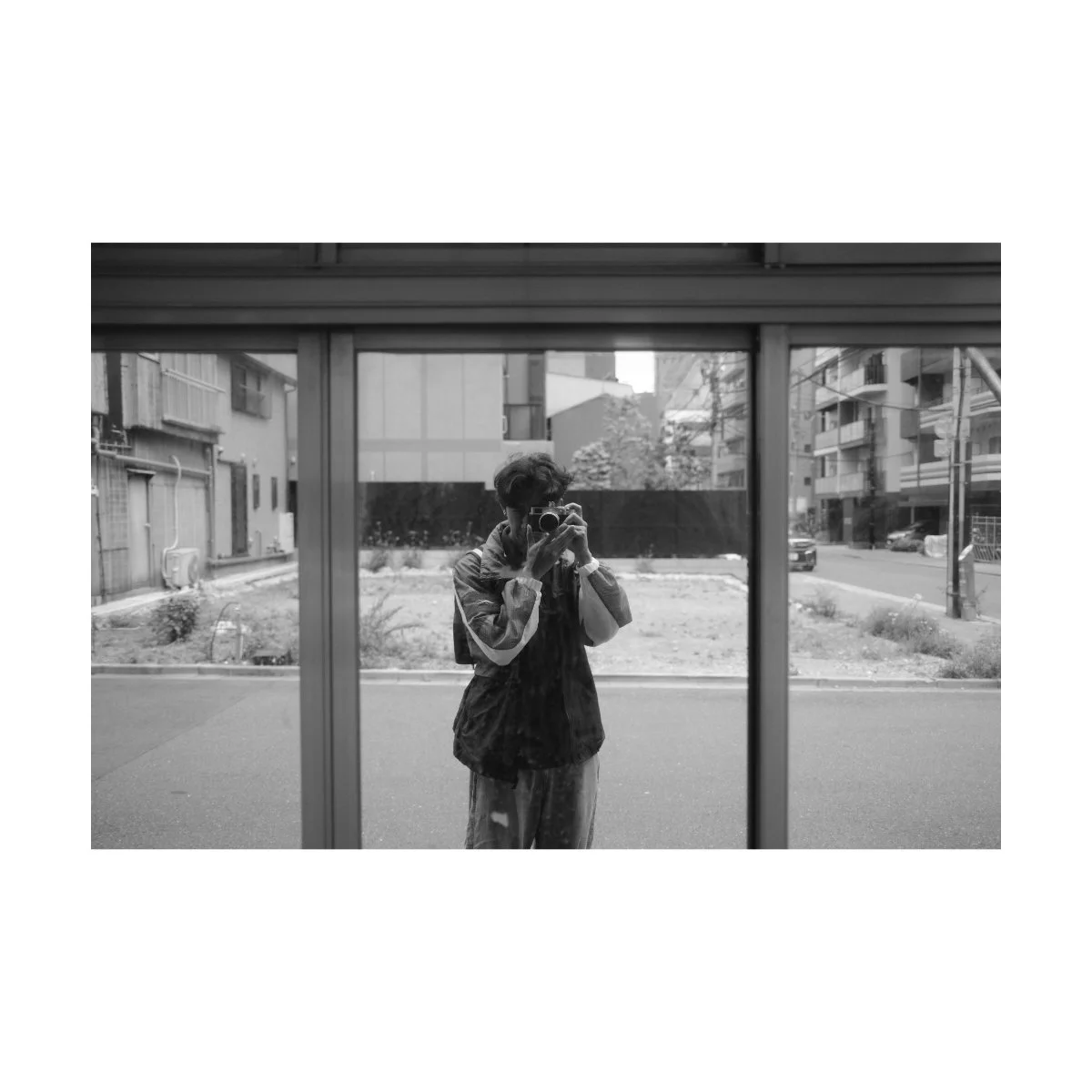
Deleting Pictures
In the past I used to be allergic to deleting my photos.
I thought every picture had some sort of value, something I could learn from, and knowing how to make a “mid” image work was a good skill to build.
When I was first learning photo editing, keeping all the bad photos, experimenting from them, and learning from my mistakes was beneficial.
But now, I’m in a different phase of photography.
Instead of needing to skill build, learn how to edit, and understand what makes certain looks work, the bottleneck in my photography is the never-ending accumulation of photos on my hard drive.
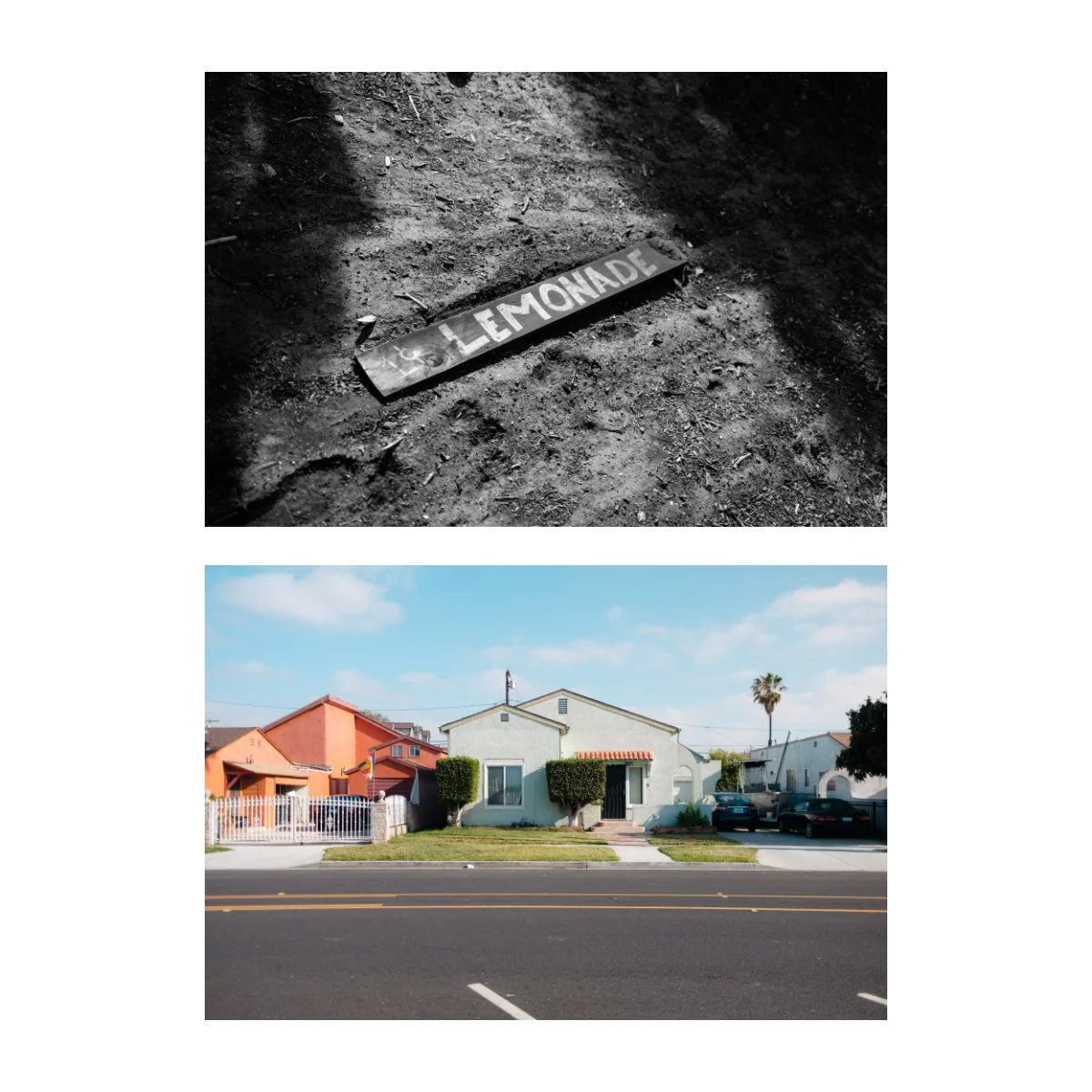
My current end goal has shifted, into doing more things with my “good photos”.
Which means getting ruthless with my culling, and deleting everything I’m not going to use.
Because if I’m not going to use it, it’s just going to sit there and take up space for no reason.
So lately, I’ve become almost demonically ruthless at deleting photos.
I’ve been buzzing through trips and folders, deleting 70 or 80% of the bulk, and only editing the few good ones.
If the photos is decent enough and can be saved in an edit, I’ll do so, but the more work it’ll take, the higher likelihood it is I’ll delete it.
Because of this I can recognize in an instant whether something’s a good or bad photo, whether it’s worth keeping or not, and whether or not I’m going to use it.
I think this shift came from the stress of having way too many photos.
Hard drives getting full, not knowing what to do with all of it, and feeling very disorganized.
And being overwhelmed because I could never keep up with my pace of taking photos.
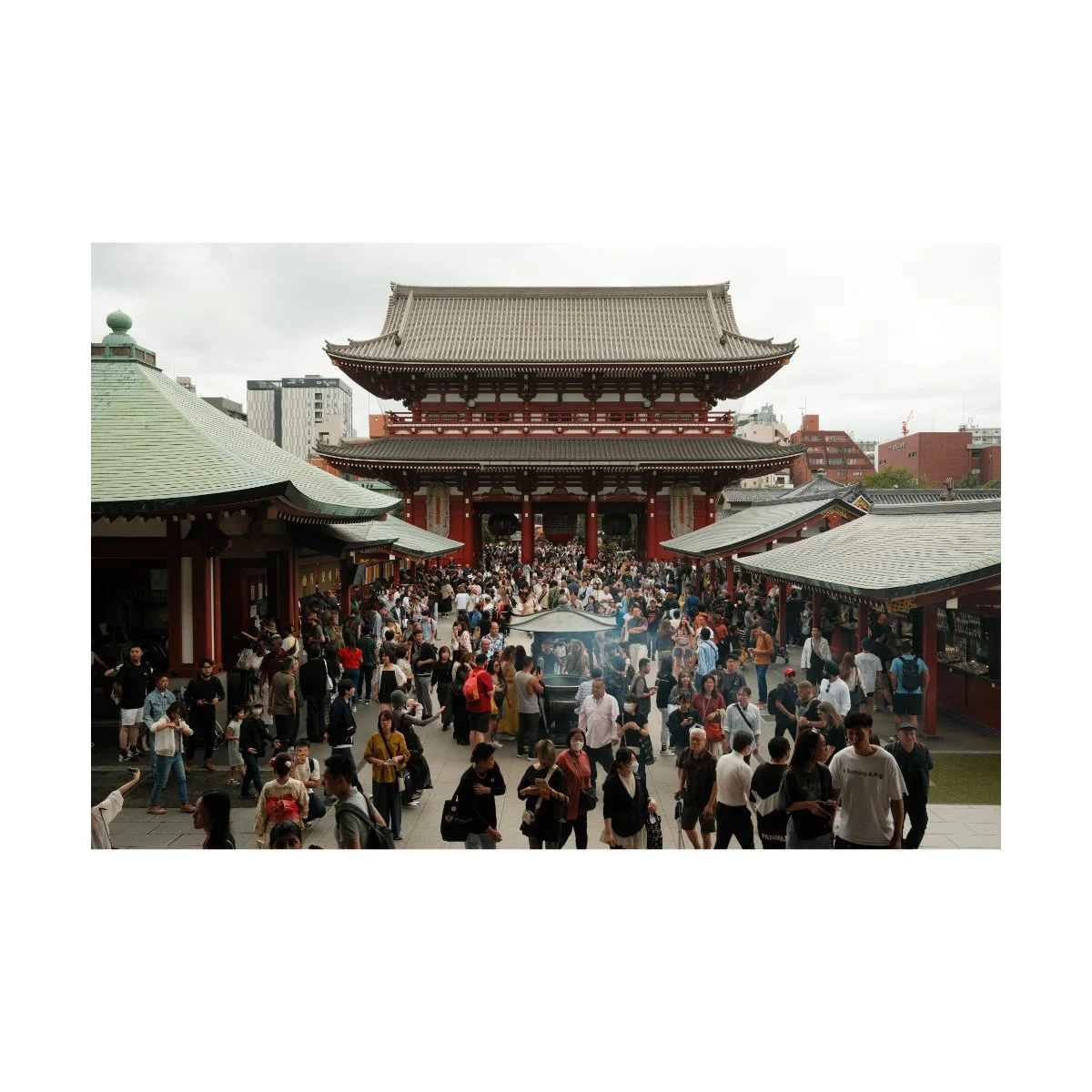
So although deleting used to feel very painful for me, it’s ironically become the gem that has saved me so much time and headspace.
My tip, if you struggle with deleting like I used to, is to get really good at drawing the line.
Be willing to let go, be decisive in saying “this sucks”, and once you’ve decided it sucks, end it and don’t look back.
You’re not going to miss it anyways.
Once you start deleting the first few, you’ll realize it’s not so bad, and you might laugh at how silly you’ve been for trying to hang on so hard.
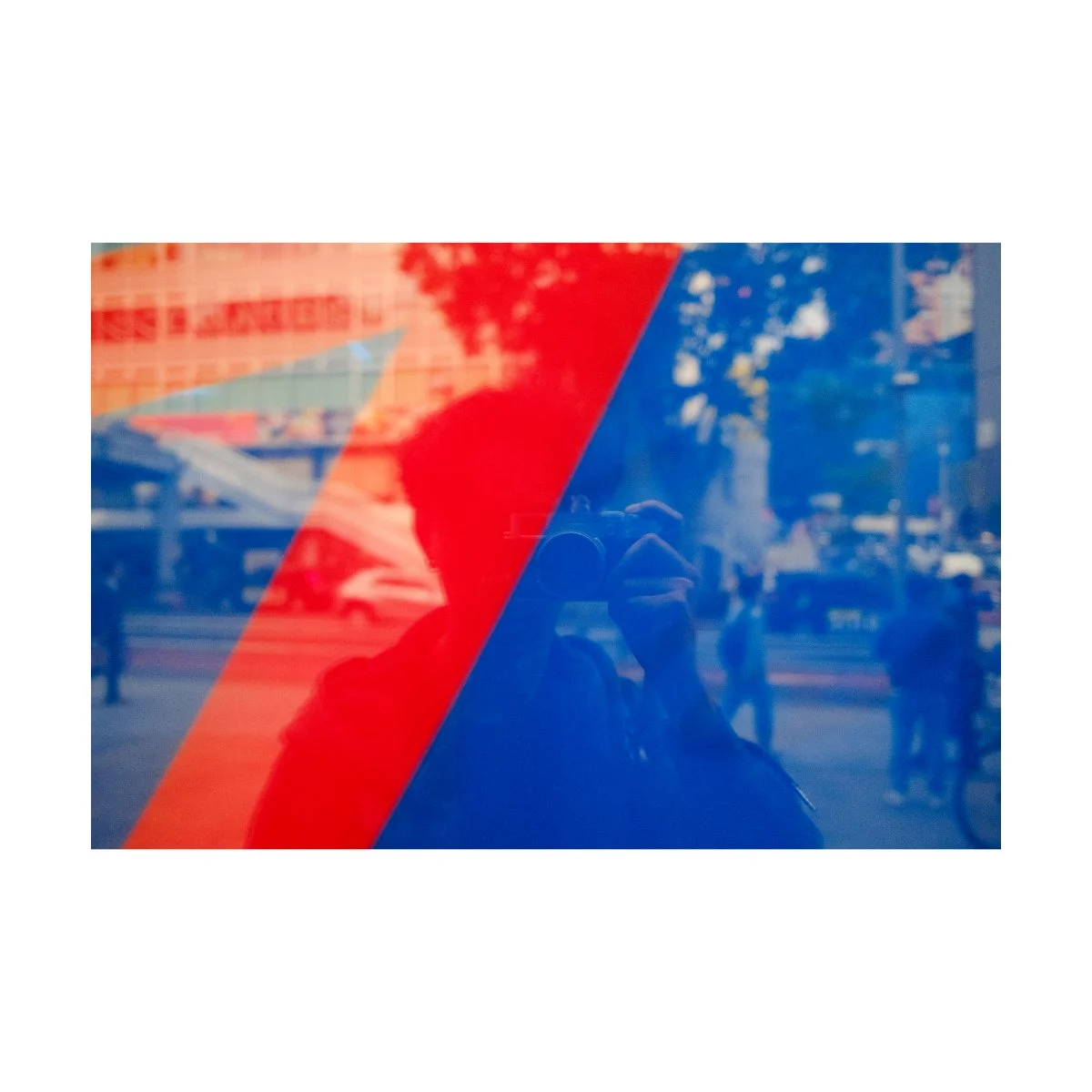
My Current Workflow & Final Tips
So at the end of the day, a good photography workflow is based on three things:
your preferred end goal
the issues/weaknesses you need to work on
your priorities now as a photographer
For me, this is what it looks like:
Shoot RAW + JPEG.
Use either Reggie’s Portra, Reggie’s Adjusted (my custom version), or Newspaper as SOOC JPEGs.
Edit the JPEGs if adjustments are needed.
Edit the RAWs if the photo is really good, the JPEGs don’t look good, or if I want it to look different.
Delete all the bad photos (without remorse).
Then, just sort and export as I go.
I do this with the comfort in knowing that if I find something that looks ugly or could look better, I could always re-edit the photo later, because I know how to edit.
The idea being:
Get through all these folders that have been waiting years for edits.
Take less but better photos.
Make more posts, videos, books, and zines.
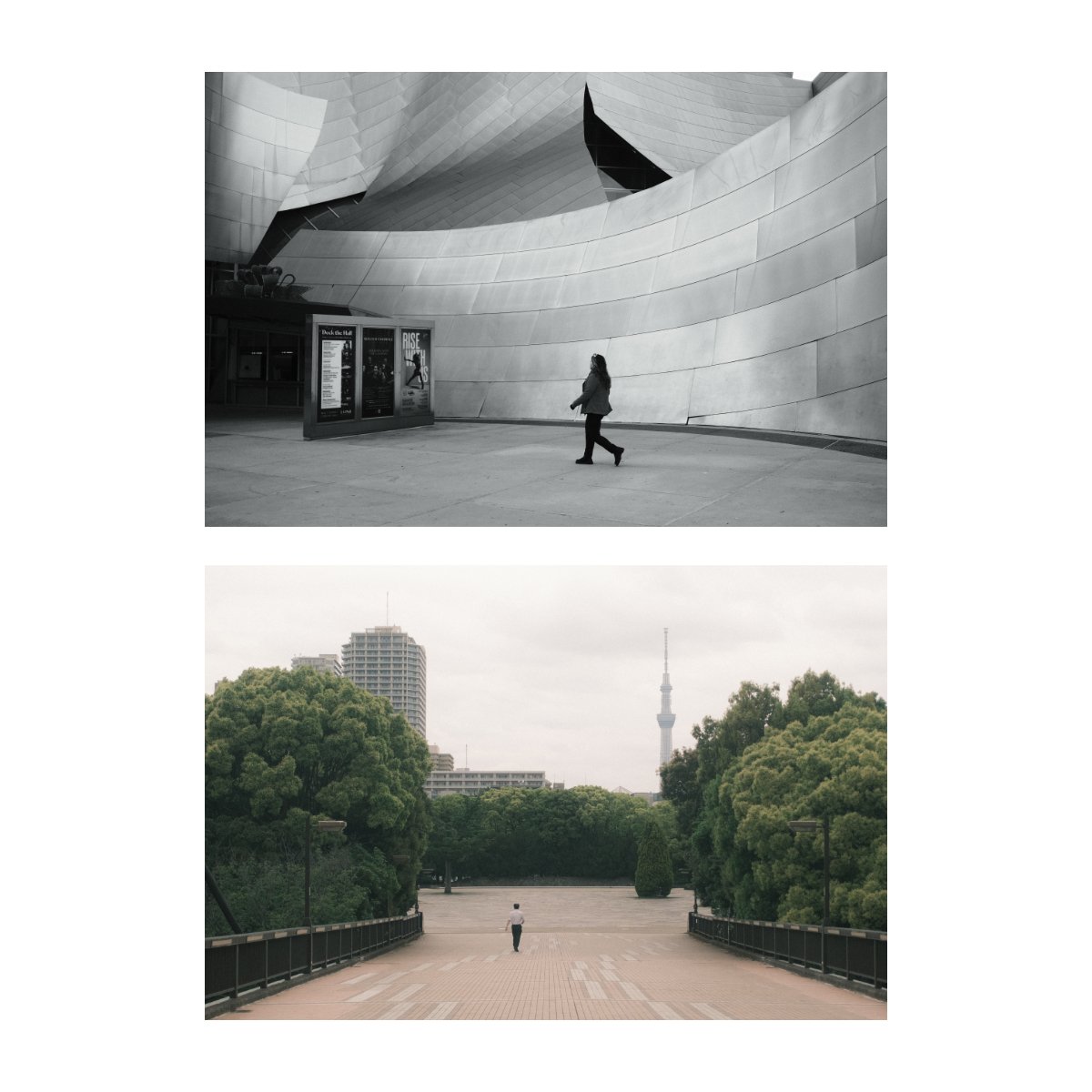
My tips for you if you want to improve your own photography workflow:
Get very clear on the end goal (what you want to do and make with your pictures)
Based on that you’ll know whether you want to shoot RAW only, JPEG only, or RAW + JPEG
Get ruthless with deleting (take less photos you know are gonna suck, and delete more pictures)
Edit, sort, and cull at a pace that exceeds how much you take photos (then you’ll always be ahead)
If you’re behind, it means you take too many photos, you don’t edit enough, or your culling isn’t ruthless enough.
Also, don’t worry too much if you don’t have the perfect workflow right now.
Your workflow is something you improve upon as you get more and more familiar with your photography and yourself.
It’s important to prioritize the doing of the craft more, even if it’s a little inefficient currently.
Keep doing, improve upon as you go.
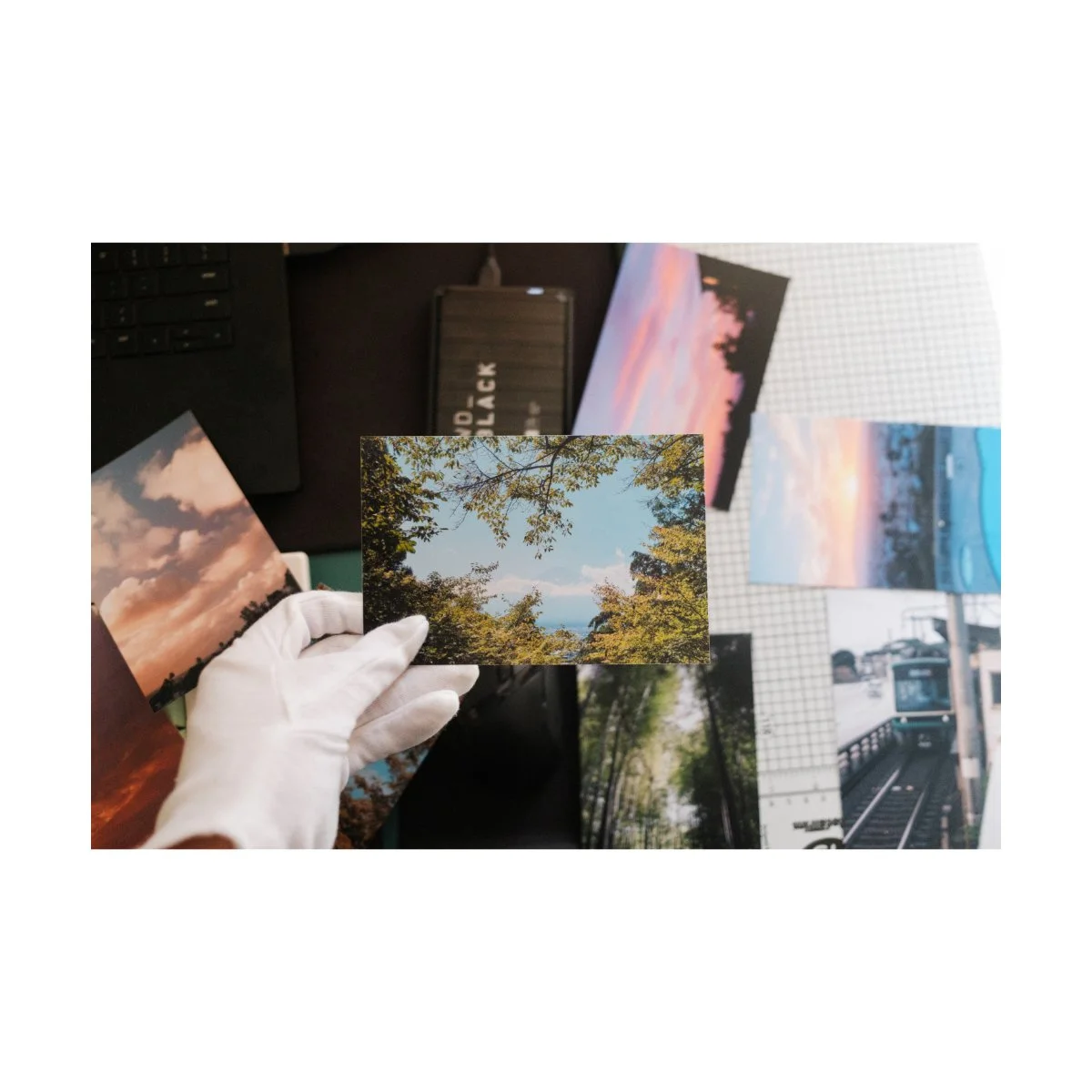
So that’s my current photography workflow with Fujifilm JPEGs for street and travel photography.
If you have any workflow tips you’d like to share, leave them down in the YouTube comment section.
If you want to learn more, build the basics and foundation for your photography, check out Photography Essentials (it’s free) and Photography Systems.
That being said I’m currently working on a project to come out later this year (hopefully).
It’s going to include many of my favorite photos that I’ve taken in my trips to Japan.
You can look forward to it.
Thanks for reading, happy shooting.